Retail POS System Strategy: Build, Buy, or Upgrade with Cloud, Mobile, and Web POS
Published:
Last Updated:
Retailers evaluating their retail pos system strategy today are confronting a very different set of considerations than in the past. The decision to build, buy, or upgrade a POS software is no longer confined to the checkout lane; it influences how quickly a business can scale, how seamlessly it can operate across channels, and how resilient it is to change. POS systems now sit at the intersection of store operations, digital commerce, inventory visibility, and customer experience.
The growing maturity of cloud POS, mobile POS, and web POS has expanded what modern retail platforms can support. Cloud-based architectures offer flexibility and faster innovation cycles, mobile POS enables more fluid in‑store interactions, and web POS supports consistent experiences across physical and digital environments. Yet many retailers continue to rely on legacy systems that struggle to meet these demands.
Against this backdrop, the build‑versus‑buy‑versus‑upgrade choice becomes a strategic one. It requires balancing speed, differentiation, cost, and long-term adaptability in an environment where omnichannel readiness is no longer a choice.
How Should Retailers Evaluate Build vs Buy vs Upgrade Decision Factors for Modern POS
This decision directly shapes the speed to market, scalability ceilings, and the operational resilience a retail business can sustain through peak seasons and expansion phases.
- Building a POS from scratch offers deep customization suited to unique workflows, but demands ongoing engineering investment, internal maintenance capacity, and full ownership of every failure.
- Buying a ready-made POS accelerates deployment, but if your business model evolves rapidly toward omnichannel or marketplace integration, a rigid off-the-shelf solution can become a constraint faster than expected.
- Upgrading an existing legacy system typically creates a hybrid environment that patches new capability onto old architecture, inheriting original limitations while adding integration complexity. For retailers managing multiple stores and channels, a full strategic rethink is often more efficient than continued patching.
Unify cloud, mobile, and web POS into one scalable retail system.
How Cloud POS Transforms Scalability, Agility, and Centralized Control
The benefits of cloud POS adoption extend well beyond cost reduction. Centralized management of multiple stores, channels, and operations from a single interface gives retail teams a level of control that was previously only available to enterprise businesses with large IT departments.
Pricing changes, promotions, and product updates deploy instantly across all locations without manual store-level intervention. IT overhead drops when there is no on-premises infrastructure to maintain. Cloud architecture also supports rapid scaling as transaction volumes and store count increase. A retailer opening new stores does not require separate system configurations for each location, which has a direct and measurable impact on expansion timelines.

Why Mobile POS is Critical for Flexible Selling and In-Store Experience
The role of mobile POS in flexible selling has moved from experimental to operational in most progressive retail environments. Mobile POS allows staff to assist customers anywhere on the floor, reducing checkout queues and improving conversion at the moment of purchase intent.
During peak periods, mPOS acts as a queue-busting tool that prevents lost sales due to wait times at fixed terminals. Assisted selling is a second key capability: when staff can access live inventory, product details, and customer history from a handheld device, the quality of the sales interaction changes materially. The operational caveat is important: without strong backend integration, mPOS can introduce data inconsistencies rather than solve them. The value of mobile POS is inseparable from the quality of the integration layer behind it.
What Makes Web POS a Strategic Layer for Distributed and Multi-Location Retail
The advantages of web-based POS access are most visible in distributed retail models. Web POS enables access from any device with a browser, eliminating dependency on specific hardware configurations that complicates deployment in pop-up stores and remote locations.
New store onboarding requires no specialist IT resources on-site. Ease of deployment and maintenance improves because updates apply centrally, and staff train on a consistent interface regardless of location. This flexibility supports rapid expansion while maintaining operational consistency across the entire network.
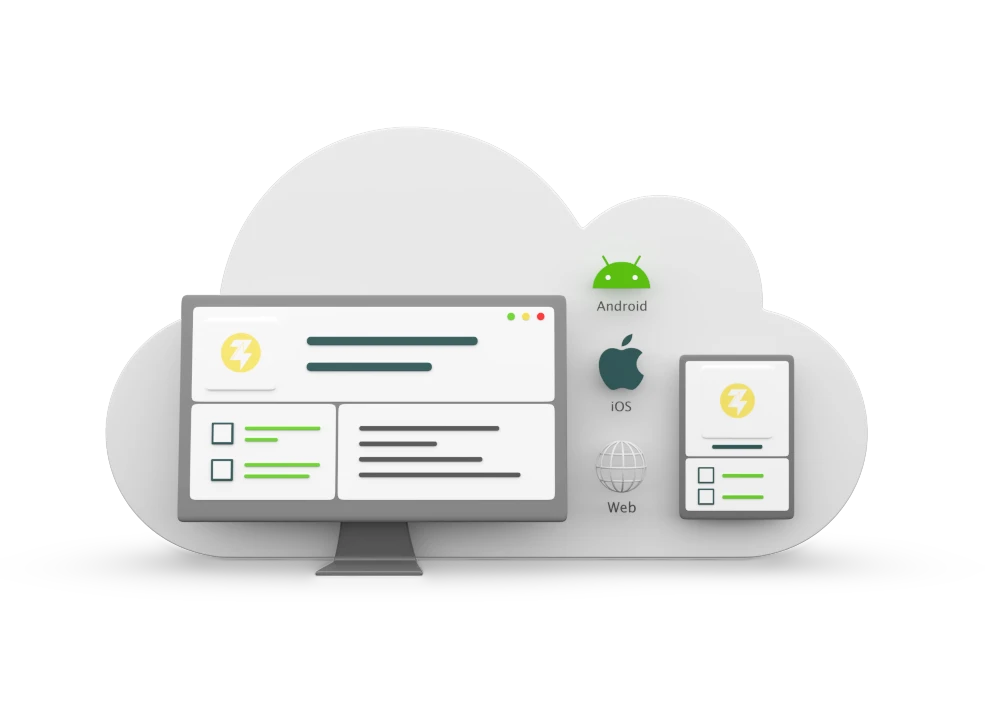
Replace legacy POS with real-time, omnichannel-ready cloud POS built for growth.
What are the Real Cost Trade-Offs Beyond Upfront POS Investment
Cost, time, and scalability considerations deserve more rigour than most POS evaluations apply. Building may appear cost-effective in year one, but the long-term cost trajectory includes engineering salaries, maintenance overhead, and the compounding cost of scaling a proprietary system. Buying reduces time to market but introduces licensing and customization constraints that become more significant as business complexity grows.
Cloud-based solutions shift costs from capital to operational expenditure, improving financial flexibility. The real ROI sits in reduced transaction errors, faster operations, less manual reconciliation, and the capacity to scale without system bottlenecks during the periods when performance matters most.
ERP Integration Determines the Long-Term Success of Any POS Strategy
A POS system cannot function as a standalone tool and deliver meaningful business value. Integration with ERP, inventory management, and eCommerce systems determines whether it becomes an operational asset or a data silo.
Disconnected systems create data silos that require manual reconciliation at every boundary point, absorbing analyst capacity that should go toward decisions rather than data assembly. Real-time integration ensures that every transaction, regardless of which device or channel processes it, updates inventory, financials, and customer data instantly. Omnichannel readiness is not a feature of any single POS interface; it is a property of the integration architecture behind it.
Balancing Customization and Standardization in POS Decisions
Customization vs standardization trade-offs sit at the heart of most POS strategy discussions. Highly customized systems solve current problems precisely but tend to become rigid over time, requiring proportionally large engineering effort to adapt when business needs evolve.
Standardized platforms offer scalability and faster upgrade cycles. Retailers gain more strategic value by reserving customization investment for capabilities that genuinely differentiate their customer experience and adopting standardized approaches for operational necessities. Platforms that offer configurability within a governed architecture deliver both adaptability and reliable compliance with evolving security standards.
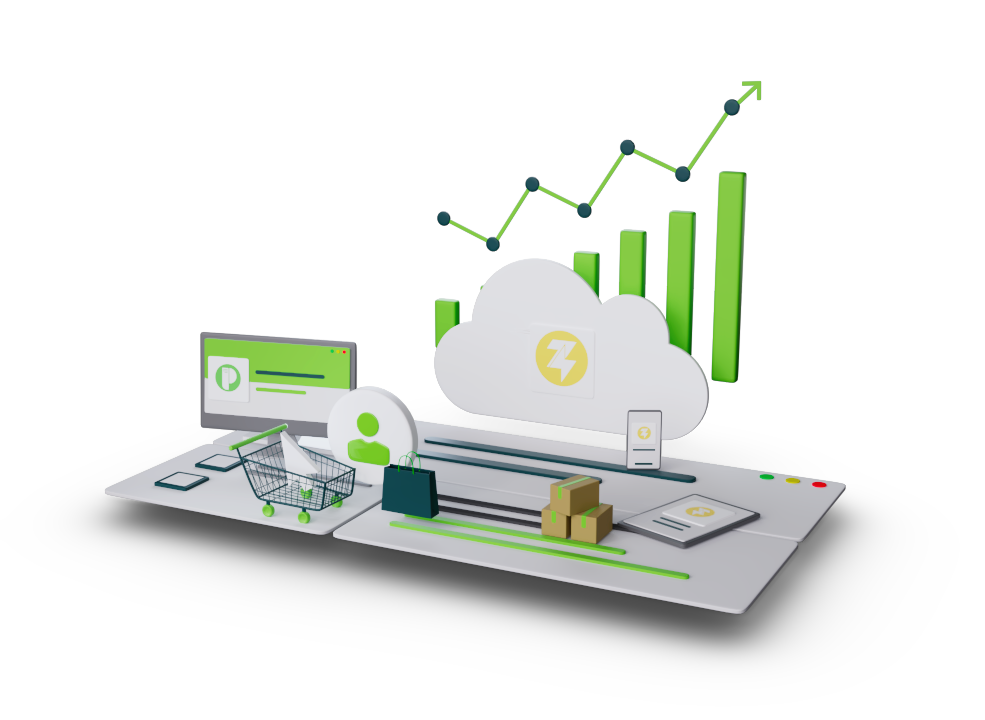
Integrate POS with ERP and OMS for a truly connected retail operation.
Ginesys One Supports Flexible POS Strategies Across Cloud, Mobile, and Web
Ginesys One is a cloud-native retail management platform that brings cloud POS, mobile POS, and web POS together within a unified ecosystem. Retailers can adopt the deployment model that fits current operations and expand into additional modalities as the business grows, without fragmentation or operational disruption.
The platform integrates with ERP, OMS, inventory management, and analytics to create a single source of truth across all transactions and channels. Real-time synchronization ensures consistency whether a sale occurs at a store terminal, through a franchise outlet on web POS, or via a mobile device during peak trading. InsightX, its intelligence layer, feeds POS transaction data directly into reporting and decision-making rather than waiting on a batch process. Retailers evaluating their POS strategy will find that Ginesys One is designed to carry that strategy forward without requiring repeated overhauls as the business evolves.
FAQs
1. What API architecture should a retailer require from a cloud POS before committing to a platform?
Look for REST APIs with webhook support for real-time event triggers, not just scheduled data pulls. Without this, integrations with ERP, OMS, and marketplace systems will rely on polling intervals that introduce sync delays at scale.
2. How does an mPOS handle transaction continuity when store internet connectivity drops mid-shift?
A well-architected mobile POS should support offline mode with local transaction queuing that syncs automatically once connectivity restores. Without this, any network interruption creates unprocessed sales gaps and inventory discrepancies that require manual correction.
3. What PCI-DSS scope implications does a web POS deployment introduce compared to a traditional terminal setup?
Web POS shifts card data handling to the browser layer, which requires strict Content Security Policy controls and P2PE-certified payment integrations to stay out of PCI scope. Retailers running web POS without these controls inherit significantly broader compliance obligations than a traditional hardware terminal setup.
4. How should a retailer evaluate POS-to-ERP integration depth beyond basic sales posting?
The integration must cover real-time inventory deduction, cost-of-goods calculation, tax liability posting, and returns reconciliation, not just revenue entry. A POS that only pushes daily sales totals to ERP still requires manual intervention for everything downstream, which defeats the purpose of integration entirely.